Rocket Raid (Sega/Mega CD)
A downloadable CD game
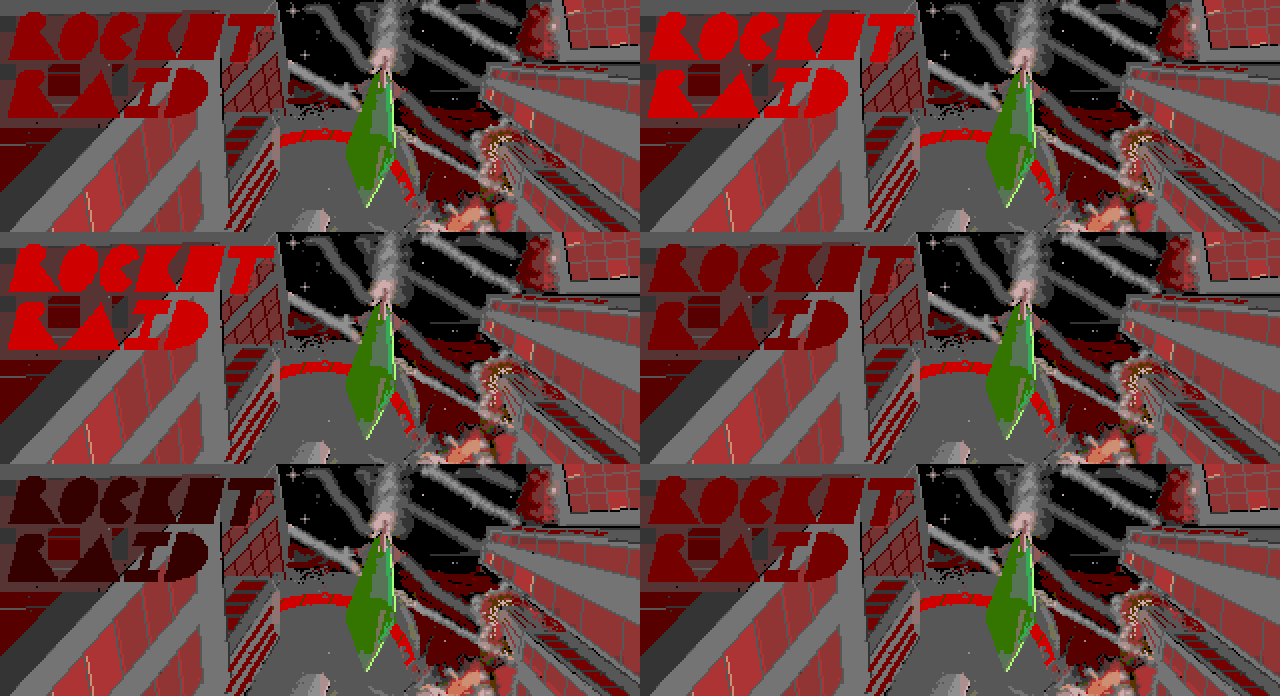
A new release for the Sega CD and Mega CD
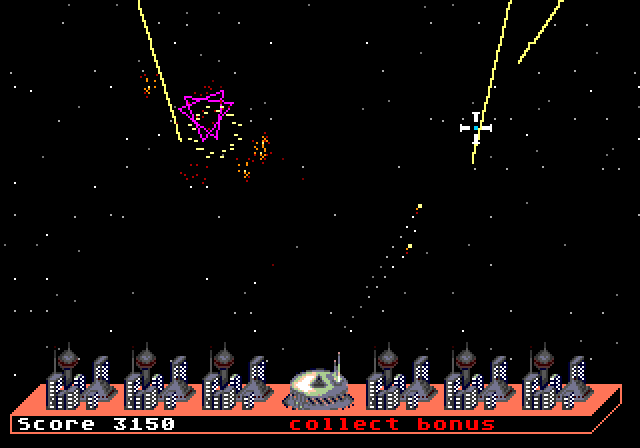
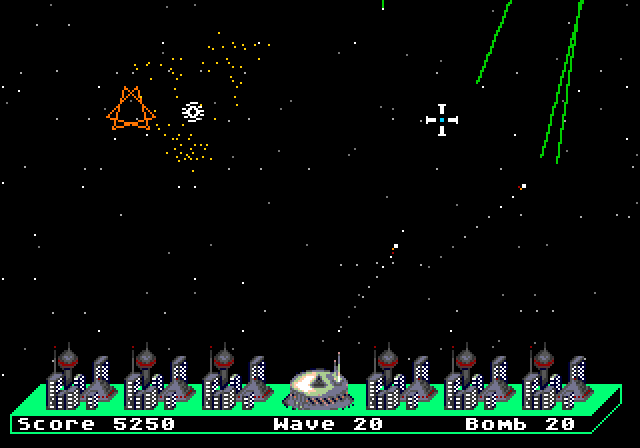
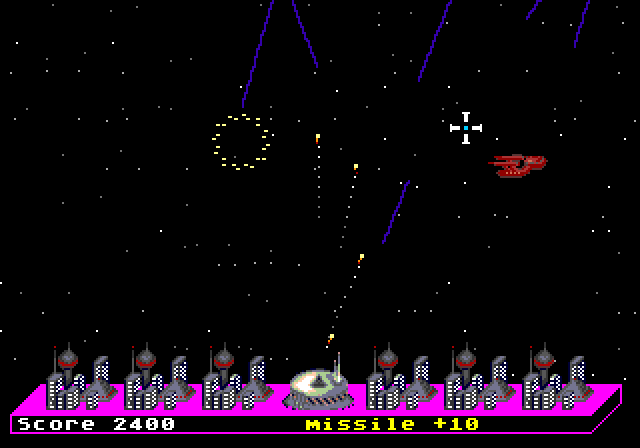
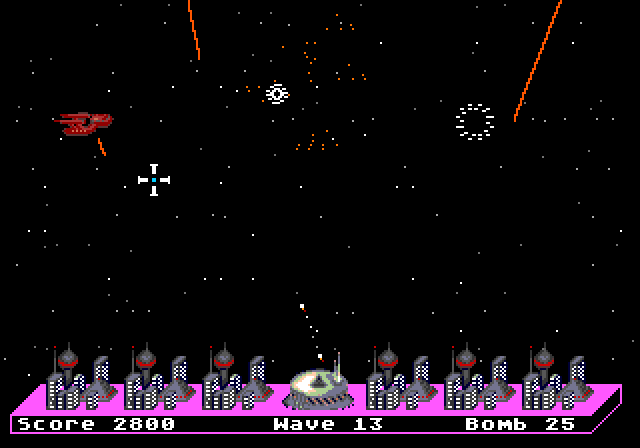
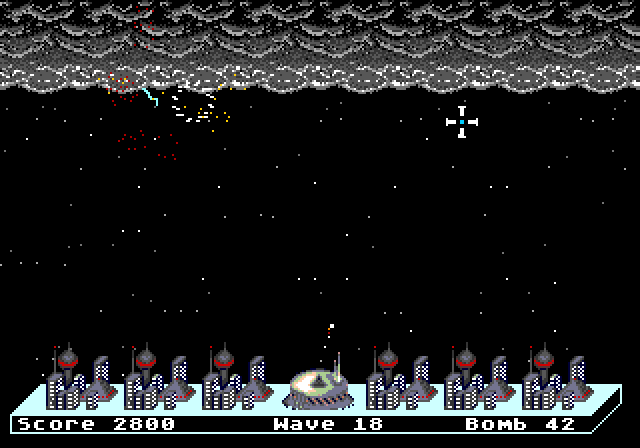
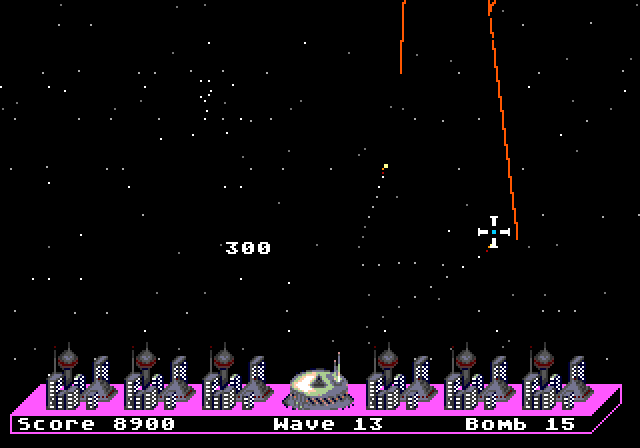
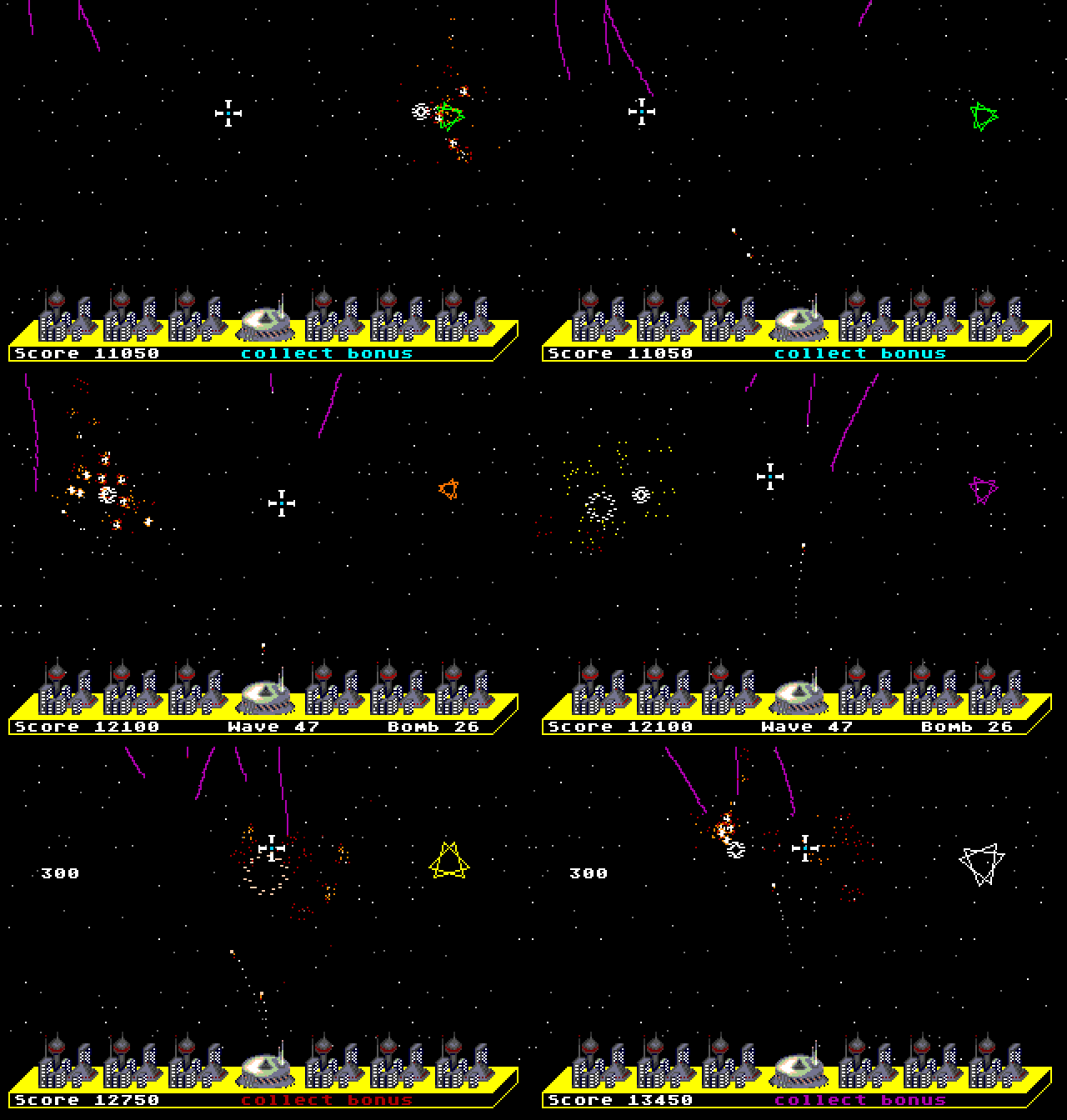
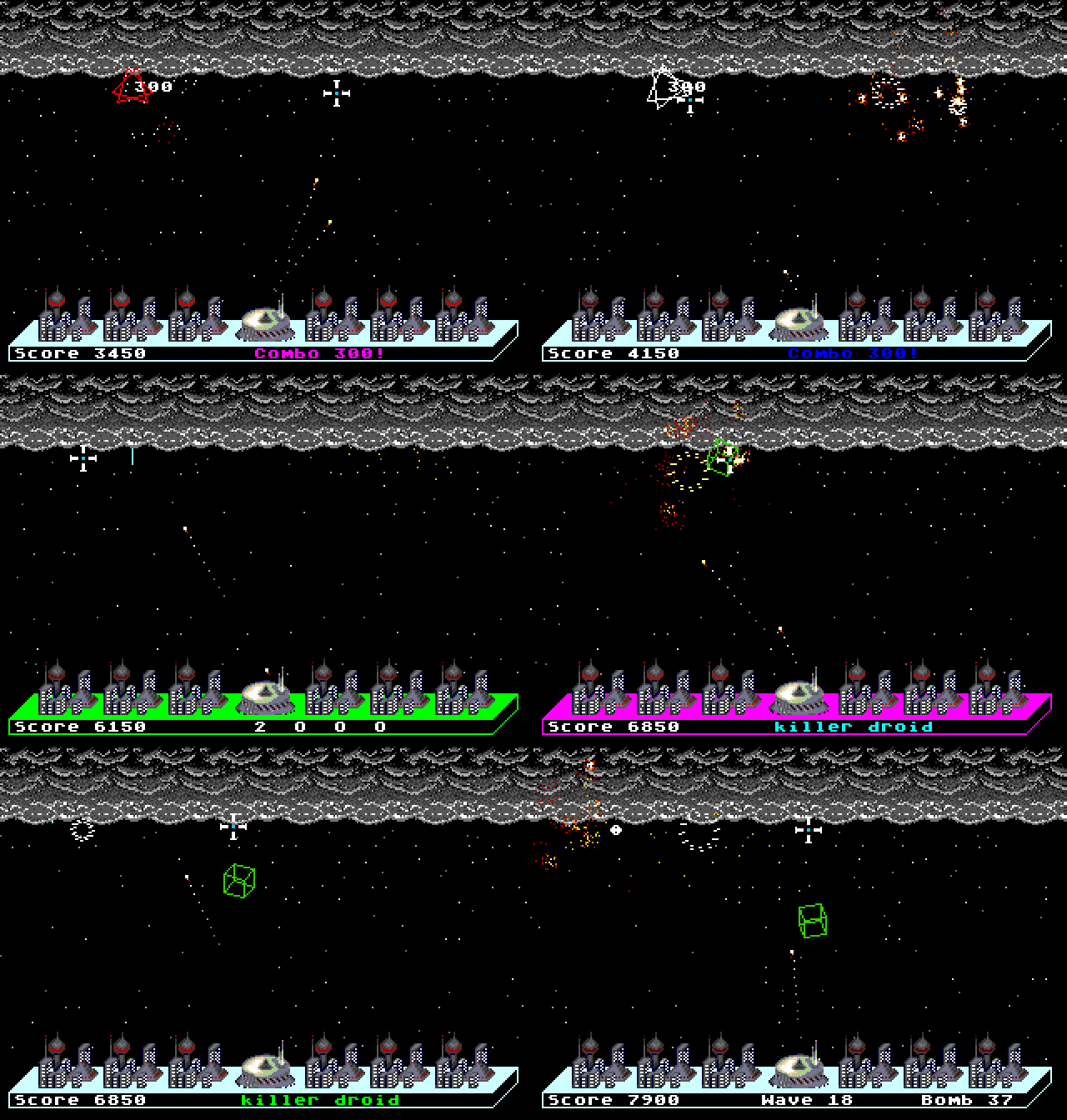
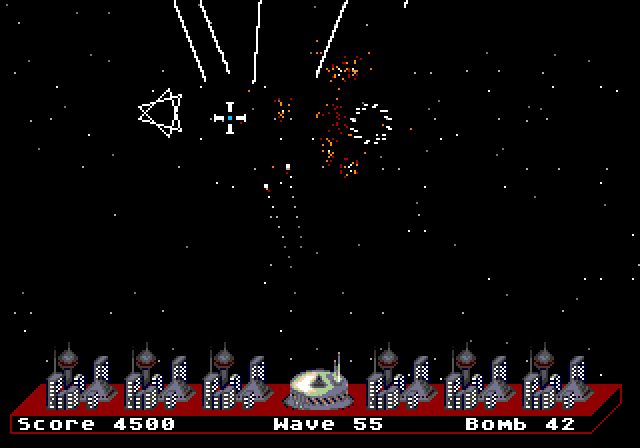
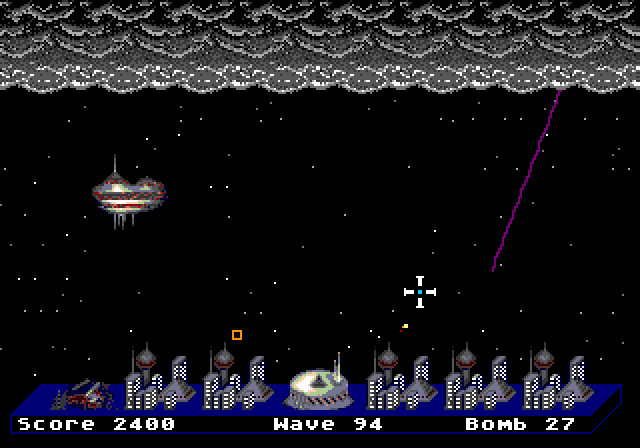
Rockets are headed toward the cities. You have a crosshair, a limited defense supply, and one job: protect all cities before they're overwhelmed.
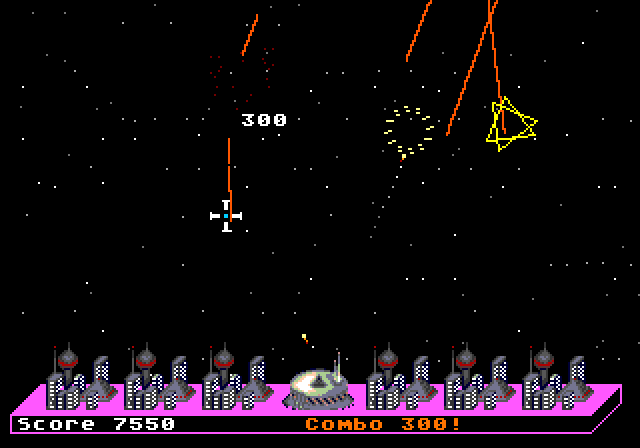
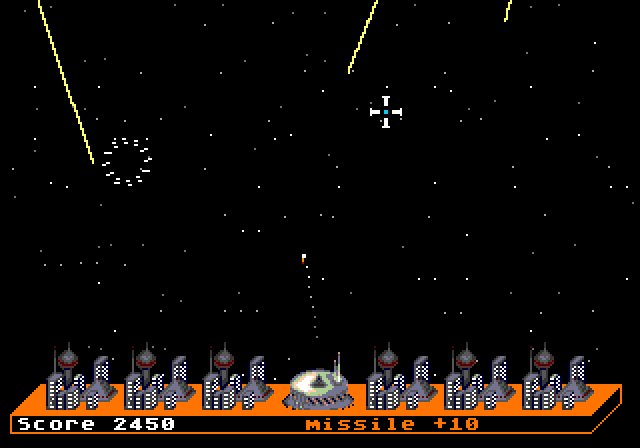
Enemies streak across the sky — intercept. Your weapon travels to the target point and detonates, creating a blast that lingers in the sky for about a second.
The explosion isn't instantaneous, and isn't limited to a single point. Any enemies that pass through the blast are destroyed. Timing and positioning are key — you won't have enough supply to simply take down every enemy individually.
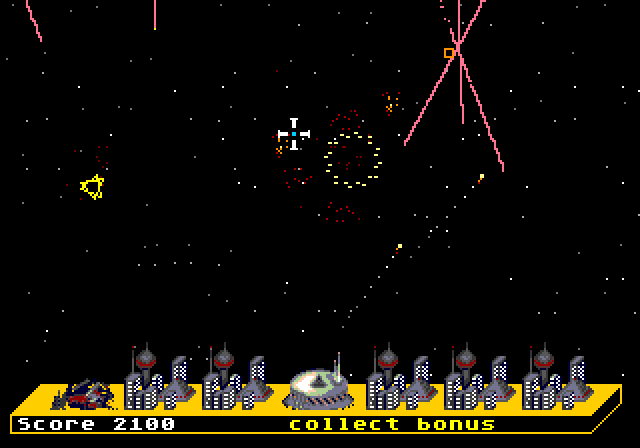
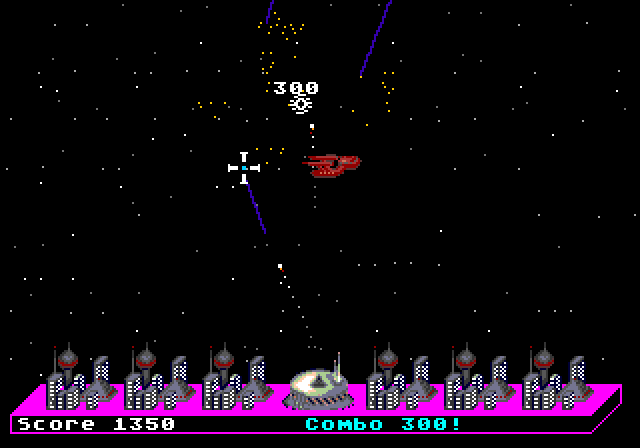

Same game, 30 years later
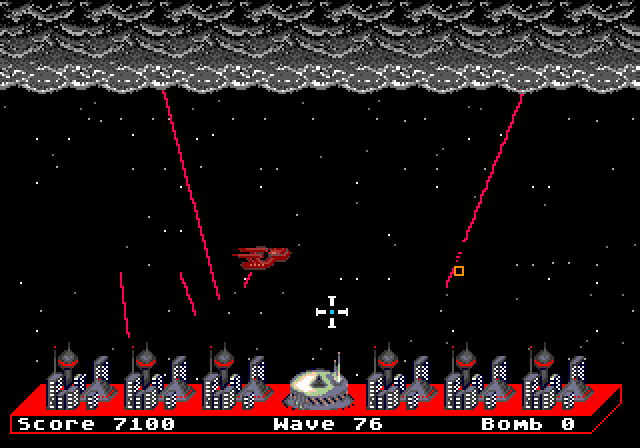
Rocket Raid started out on MS-DOS in 1996, written for the fun of finding out what a PC would let you get away with, and given away on a university web page to whoever wandered past. It's even playable at archive.org with a clever JavaScript DOS emulator in the web browser. Thirty years later, here it is on a Sega Mega CD — and it really is the same game underneath. Same 100 waves, same numbers driving them, same artwork at the same size. That last one is a happy accident: a DOS screen and a Mega Drive screen turn out to be exactly as wide as each other, so nothing needed rescaling and nothing got redesigned on the way over.
The music
The songs are from 1996. They began as MIDI files — a few dozen kilobytes of note data, written by Simon Juncal and Dave Smukal for a PC sound card — and every one has been rebuilt from those originals for this release. Arranged and produced with today's tools, not emulated with them. The tunes are the ones that played in 1996; everything around them is new.
There are eighteen on the disc, as Red Book CD audio, playing the the way a music CD does. None of the tracks got waved through: there may be expressions which I would not have inserted if I had drawn it up, but I will defend every note of it. A new song comes up every few waves, and the further in you get, the more of the soundtrack the jukebox in the options will let you play.
and then it gets worse
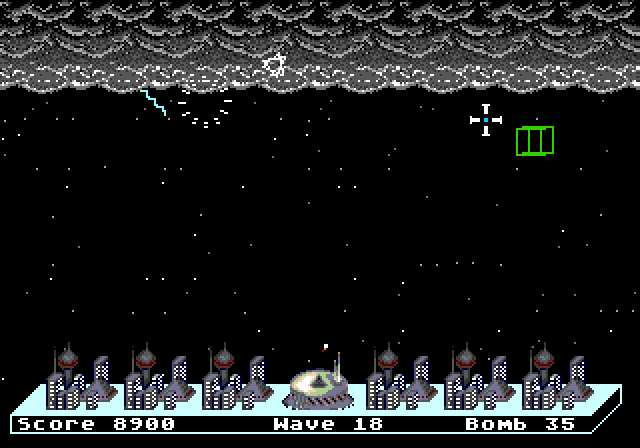
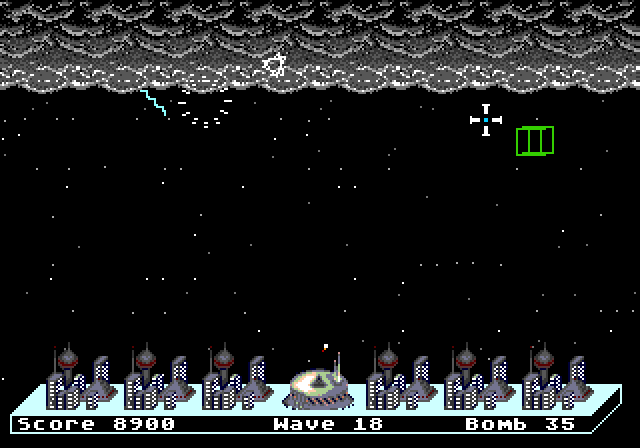
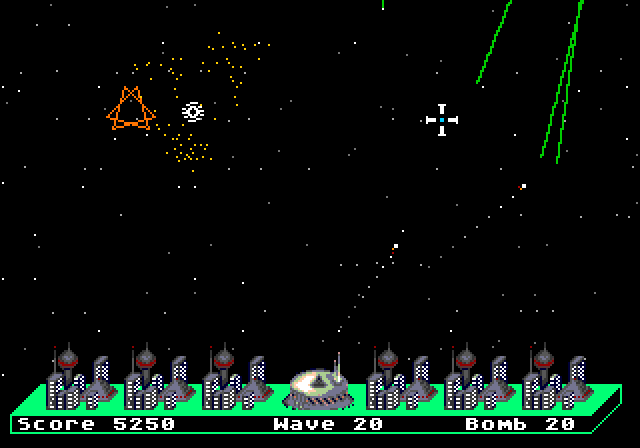
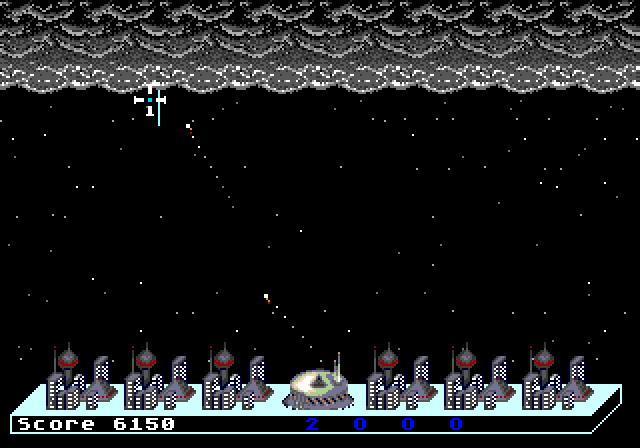
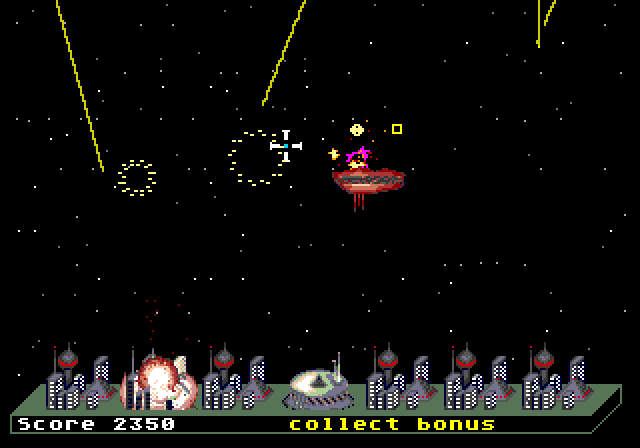
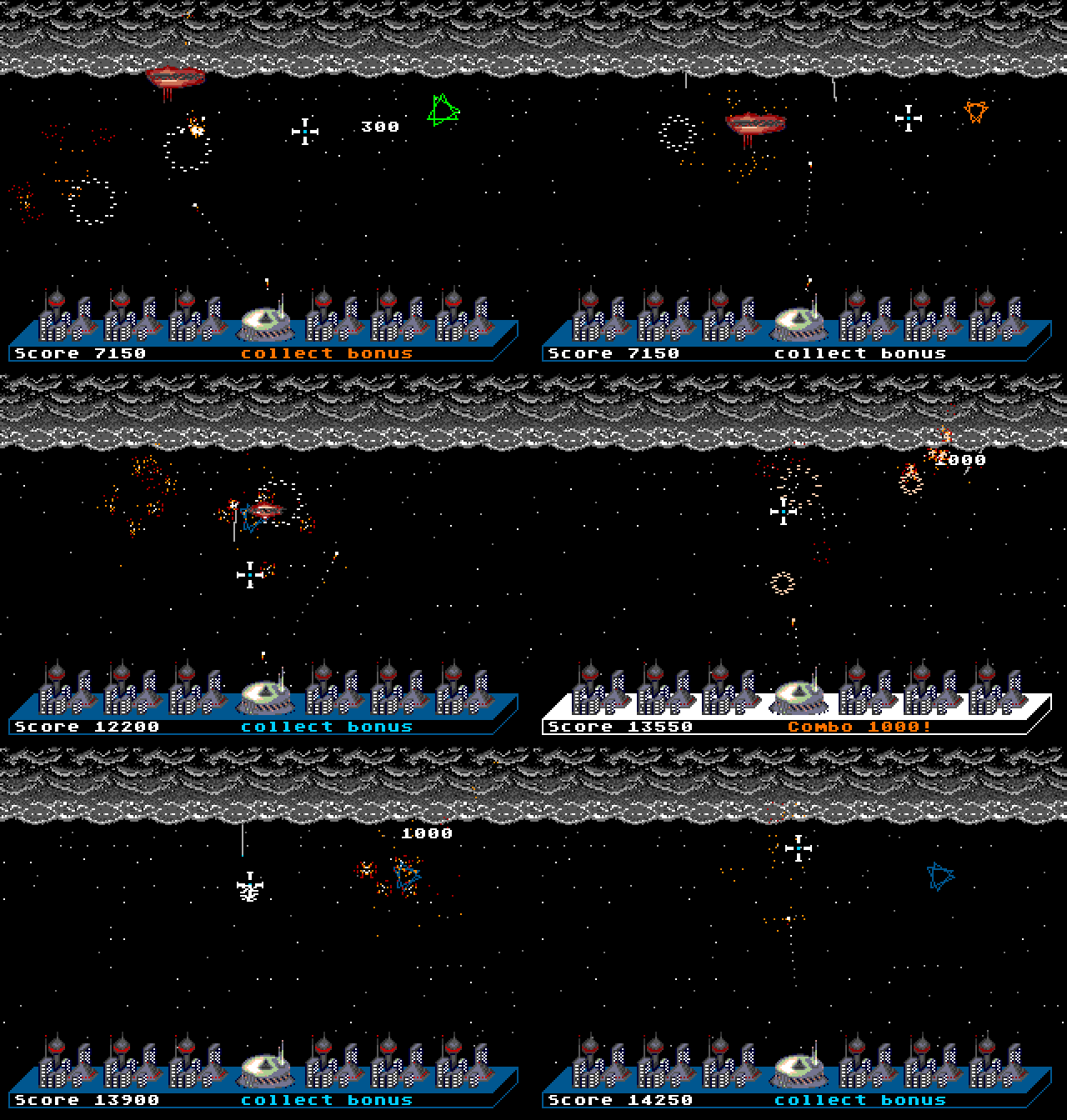
There are 100 waves. They get faster, and then they get strange: rockets that swerve across the sky, rockets that drop straight down a column, a plane that flies over and bombs you, storms that roll in across the top of the screen, and armored ones that shrug off a near miss and have to be hit dead on.
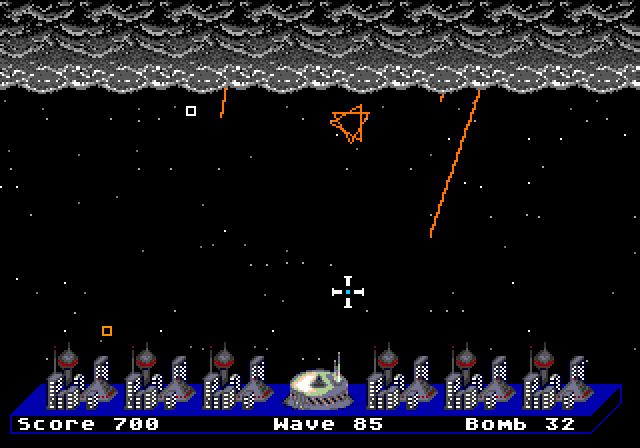
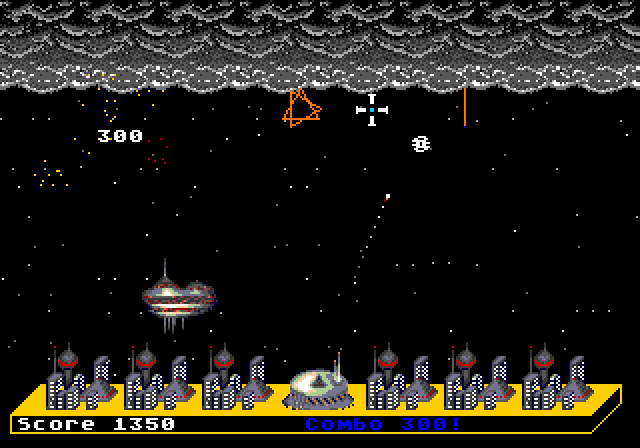
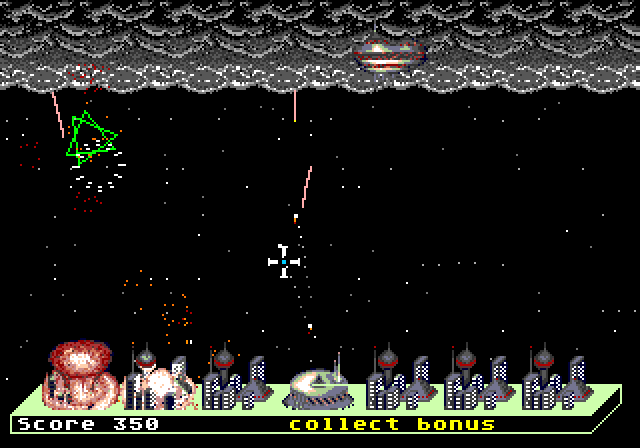
What you get back for it: power-ups that fall out of the rockets you kill — more ammo, faster reload, more shots in the air at once, a droid that goes hunting on its own — a combo counter for stacking kills, one super bomb per wave that clears the sky when it all goes wrong, and bonus rounds between the fighting. Collect a full set of power-ups inside a single wave and the game skips you ahead as a reward.
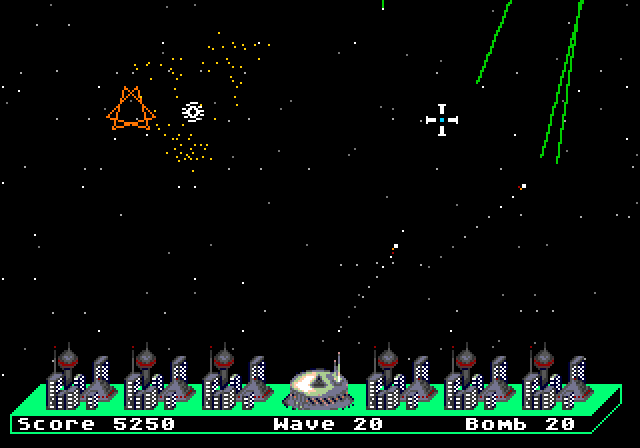
and save support, yes
It saves your progress. Get past wave 10 and it will offer to put you back where you were. Well, close anyway.
Native mouse support
Start with the control pad, because it is not a compromise. The crosshair was built around a D-pad: it creeps at first so you can shave a few pixels off your aim, gathers speed the longer you hold a direction, and stops dead the moment you let go. The whole game is meant to be beatable on it, and it is.
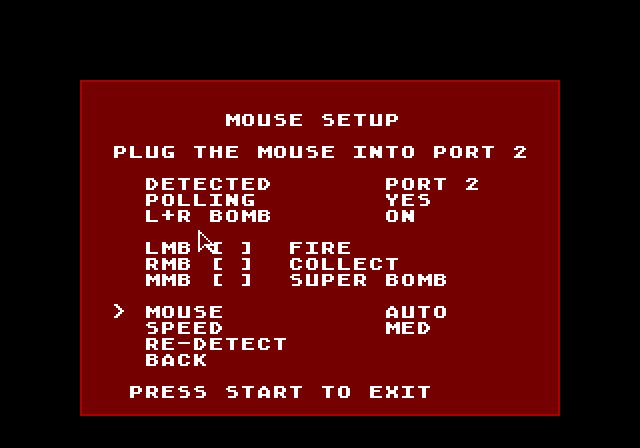
That said — it was a mouse game in 1996, and it is still better as one. Plug a Sega Mega Mouse into port 2 and point at what you want gone. Left click fires, right click collects power-ups, middle click is the super bomb — and on a two-button Japanese mouse, left and right together does the same job.
The pad stays live the whole time, so nothing is lost by having both plugged in: put the mouse down mid-wave and carry straight on with the D-pad. But pointing at a rocket is a faster way to kill it than steering toward it, and that gap only widens the further in you get.
If a mouse is not picked up — which happens in emulators, where you usually attach one after the game has booted — there is a setup screen under OPTIONS that shows what the game can see, lets you force polling on, and re-detects without a reset.
On a Mega CD
The whole soundtrack is on there as real CD audio, and get far enough in and the disc has more to say than that.
It comes in Japanese, US and European builds, because a Mega CD will only boot a disc carrying its own region's security block. Grab the one that matches your console.
What to download
- Mega CD — Japan. For a Japanese Mega CD.
- Mega CD — US. For a US Sega CD.
- Mega CD — Europe. For a European Mega CD.
Each one is the same game as a cue/bin set: load or burn rocketraid.cue — the install instructions on this page have the detail. Kega Fusion, MAME, Ares, BizHawk and RetroArch all read it directly. If you keep your library as .chd, chdman createcd will make you one from the same folder.
There is more on the disc than the game needs. If you go looking, you will find it.
If you own the hardware, there's a favor to ask
The whole thing has been played through on a real Japanese Mega CD — a model 1, booting off a burned CD-R, music and saves and all. The US and European discs come off exactly the same code and the same data; the only thing that differs is the boot block a console checks before it will accept a disc at all. Neither has ever run on the machine it was built for, and that is not a test anyone can do without owning one.
It matters more than it sounds like it should. Emulators do not model a 1991 CD drive, and neither do the optical-drive emulators that stand in for one — a disc that behaves perfectly on both of those can still stutter on the real thing. Working that out took a stack of coasters.
So: a Mega CD or a Sega CD, a burner, and the patience for one disc? Please do. Burn it, play it, and then leave a comment on this page — which model, which BIOS, which region, and anything at all that looked off. No address to write to and nothing to sign up for beyond an itch.io account, and the next person to try it gets to read what you found. Anyone who reports back gets a proper thank you, and a place in the credits if they want one.
A note for PAL players
Rocket Raid is timed for 60 Hz throughout. On a 60 Hz-switched console it is exactly right. On a stock 50 Hz PAL machine it plays about 17% slow, and anything timed to its own audio track runs long against it. The European disc exists so that European hardware has something to boot, but 60 Hz is the way to play it.
Credits
Game design, the original MS-DOS version, and this port by Jonathan Burke.
Music composed by Simon Juncal and Dave Smukal with arrangements and variants produced for this release.
Built with SGDK and megadev, both used under the MIT License; percussion samples from the Versilian Community Sample Library (CC0). Full notices are included with every download.
Download
Install instructions
Download the set for your console's region and unzip it. You will get a folder holding the disc: one rocketraid.cue file and the tracks it points at.
In an emulator: load rocketraid.cue. That is the file to open; it points at everything else. You will need to supply your own Mega CD BIOS, as every Mega CD emulator requires.
On real hardware: point your burning software at that same rocketraid.cue and burn at the slowest speed it offers — that one setting matters more than anything else you can control. On Windows, BurnAware Free is the one to reach for: Burn Image, pick the cue, drop the speed. On Linux, K3b takes a cue the same way. Notes for macOS, and everything else worth knowing, are in BURNING.txt inside the download.
On MegaSD or Mega Everdrive Pro? Do the same thing. Drag the folder onto the SD card and hit play.
Get the region right. A Mega CD only accepts a disc built for it — the wrong one will not start the game. Japan, US and Europe are three separate downloads and the game on each is identical.